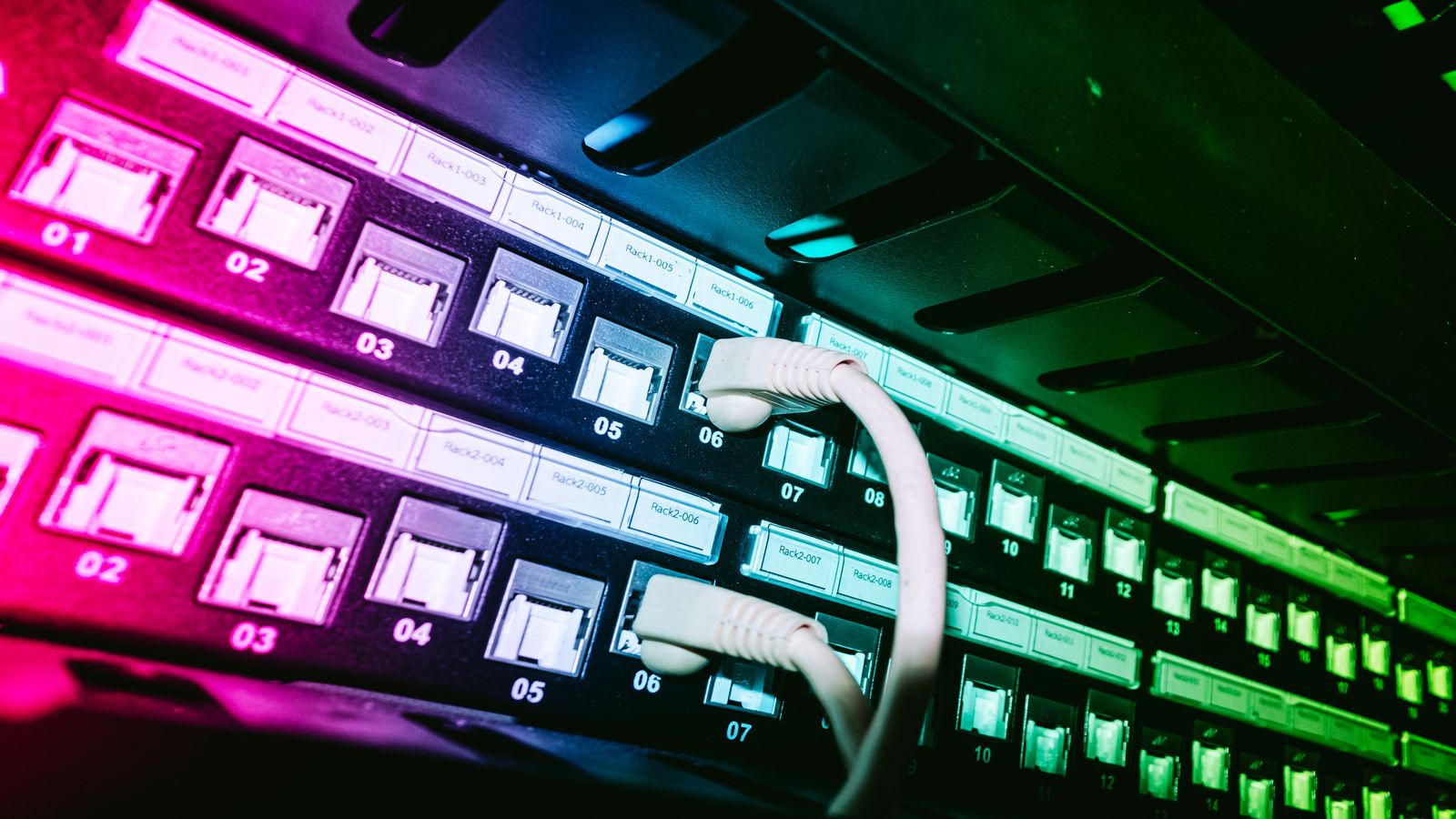
Shipping video to real devices is rarely about one thing. It is latency, buffering, packaging, and the awkward edge cases you only see on a living room TV at 9pm. This guide breaks down how OTT delivery works end to end, from encoding to caching, with practical checks you can run before your next release. We will cover VOD versus live, packaging formats, DRM at the device level, where delivery failures actually happen, and what a useful monitoring checklist looks like.
What OTT means in practice
Over-the-top delivery, or OTT, refers to video content delivered over the internet directly to viewers, bypassing traditional cable or satellite distribution. That sounds simple enough, but the practical reality involves a long chain of components that all have to work together.
An OTT service is not just “video on the internet.” It is a system that takes raw video content, encodes it into multiple quality levels, packages it into streamable segments, protects it with DRM, distributes it through a CDN, and plays it back on a device that might be a $30 streaming stick or a $2,000 television. Each step in that chain can break, and the failure modes are often non-obvious.
The defining characteristic of OTT, compared to managed network delivery, is that you do not control the last mile. You cannot guarantee bandwidth. You cannot guarantee latency. You can only adapt to whatever the viewer’s network gives you, which is why adaptive bitrate streaming exists and why it matters so much.
VOD versus live: different problems, different constraints
The two major categories of OTT delivery are video on demand and live streaming. They share infrastructure but differ in timing, failure sensitivity, and operational complexity.
VOD is conceptually simpler. Content is encoded once, packaged, and stored. A CDN caches the segments. The player fetches what it needs. If there is a problem with a specific asset, you can re-encode and re-package it. The time pressure is lower.
But “simpler” does not mean “easy.” A large VOD catalog might contain tens of thousands of assets, each encoded at multiple bitrate levels, with multiple audio tracks and subtitle languages. Managing that catalog, validating it, and making sure every combination of bitrate, audio track, and DRM configuration works on every supported device is a significant operational challenge.
Live streaming adds time pressure to everything. Segments are created in real time. The encoder has to keep up with the source signal. The packager has to produce segments and update manifests continuously. The CDN has to distribute new segments to edge nodes fast enough that viewers do not run out of buffer. The player has to manage a live edge that is constantly moving.
Live also has stricter latency requirements. For a sports event, a 30-second delay is noticeable when your neighbor’s cheer arrives before your picture. Low-latency HLS and low-latency DASH address this, but they introduce their own complexity: shorter segments, chunked transfer encoding, different CDN cache behavior.
Packaging formats: HLS and DASH
The two dominant adaptive bitrate formats are HLS (HTTP Live Streaming) and DASH (Dynamic Adaptive Streaming over HTTP).
HLS was developed by Apple and is required for iOS and Apple TV. It uses M3U8 playlists and TS or fragmented MP4 segments. CMAF (Common Media Application Format) allows HLS to use the same fMP4 segments as DASH, which reduces storage and encoding costs when you need to support both formats.
DASH uses MPD (Media Presentation Description) manifests and fragmented MP4 segments. It is the standard for Widevine DRM on Android and most smart TV platforms. DASH is more flexible than HLS in some respects, supporting features like multi-period content and more granular adaptation set definitions.
In practice, many services produce both HLS and DASH from the same encoded source material. With CMAF, the actual media segments can be identical; only the manifests differ. This is the approach most teams end up with unless they are exclusively targeting Apple devices.
What actually matters: the choice of packaging format is less about the format itself and more about device compatibility. If your device matrix includes Apple TV, you need HLS. If it includes Android TV or most smart TVs, you need DASH (or HLS with fMP4). If it includes everything, you need both, and CMAF is how you avoid doubling your storage costs.
DRM basics at the device level
Digital rights management is often the most frustrating part of OTT delivery. The concept is straightforward: encrypt the video, require a license key to decrypt it, and make sure only authorized viewers can get that key. The implementation is anything but straightforward.
Three DRM systems dominate the market:
- Widevine (Google) is used on Android, Chrome, Chromecast, and most smart TV platforms. It has three security levels: L1 (hardware-backed), L2 (software with hardware assistance), and L3 (software only). Most content providers require L1 for HD and above.
- FairPlay (Apple) is used on Safari, iOS, and Apple TV. It has its own key delivery protocol and requires Apple-specific integration on the server side.
- PlayReady (Microsoft) is used on Edge, Xbox, and some smart TV platforms. It is also common on legacy set-top boxes.
The practical challenge is that each DRM system has its own license server protocol, its own device provisioning model, and its own edge cases. A Widevine L1 device might handle license renewal during playback differently than a PlayReady device. Some devices cache licenses; others fetch a new one for every session. Some handle license expiry gracefully; others stop playback with a cryptic error code.
Testing DRM across your full device matrix is essential, and it takes longer than anyone budgets for initially. See our guide on DRM testing across devices for practical workflows.
The delivery chain and where failures happen
A complete OTT delivery chain looks something like this:
- Source - Camera, encoder output, or file-based content
- Encoding - Transcoding into multiple bitrate and resolution levels
- Packaging - Segmenting and creating manifests (HLS, DASH, or both)
- DRM - Encrypting segments and configuring license delivery
- Origin - Storage for segments and manifests
- CDN - Edge distribution and caching
- Player - Client-side adaptive bitrate logic, DRM decryption, and rendering
Failures can happen at any point, but some are more common than others:
Between origin and CDN: Cache invalidation problems. Stale manifests being served after a live event transitions. Origin overload during traffic spikes when the CDN cache is cold.
At the CDN edge: Cache key misconfiguration causing the wrong variant to be served. Range request handling differences between CDN providers. Certificate issues on edge nodes.
At the player: Incorrect ABR ladder selection. Buffer underflow during bitrate switches. DRM license fetch timeouts. Subtitle rendering failures. Memory exhaustion during long viewing sessions.
The pattern we see most often: a problem that looks like a “player bug” turns out to be a CDN caching issue, or an encoding problem that only manifests on specific devices. Diagnosing delivery failures requires visibility into the full chain, not just the client.
A practical checklist for shipping and monitoring
Before a release or a major live event, run through these checks. They will not catch everything, but they will catch the problems that cause the most visible failures.
Pre-launch checks
- Validate all ABR ladder rungs on at least one device per platform family
- Confirm DRM license delivery works for each DRM system in use
- Verify subtitle rendering for all supported languages on each platform
- Test seek behavior at content boundaries (start, end, chapter marks)
- Run a 4-hour sustained playback test on each platform to check for memory leaks
- Confirm CDN cache behavior with a fresh cache (purge and re-fetch)
- Validate manifest responses include correct headers (Content-Type, Cache-Control)
Monitoring in production
- Track rebuffering ratio per device platform and per CDN edge
- Monitor DRM license fetch latency and failure rate
- Alert on manifest fetch errors above a threshold
- Track player error codes by category and device type
- Monitor CDN origin hit ratio; a drop suggests cache configuration problems
- Log player startup time per device family and network type
When something goes wrong
- Start with the CDN access logs, not the player logs
- Check whether the problem is device-specific or affects all platforms
- Look at the manifest being served, not just the segment delivery
- Verify DRM license responses are arriving with correct headers
- Check whether the failure correlates with a CDN node, a region, or a specific content asset
OTT delivery is a system problem. The video player is just the most visible part. Getting reliable playback on real devices requires attention to every link in the chain, and enough instrumentation to tell you which link broke when things go wrong.